If Avast is installed, please disable the DeepScreen feature.
If Avast is installed, disable the DeepScreen feature.
Some Avast users experience repeated reinstallation or updates when installing or updating Osoft programs.
This happens because of Avast’s DeepScreen feature.
That Avast feature is activated when an executable with insufficient file reputation runs.
Although Avast usually tries to maintain compatibility with other software, in this case a normal and safe program can fail to function normally due to a specific Avast feature.
This is equivalent to a false positive: a legitimate program is treated as suspicious.
For that reason, Osoft does not provide DeepScreen compatibility for its programs.
To disable Avast DeepScreen:
Go to the Avast main screen and click the Settings button on the left.
In the settings window, click Antispyware (or Antivirus), then uncheck the Use DeepScreen checkbox.
Today's News/Tips
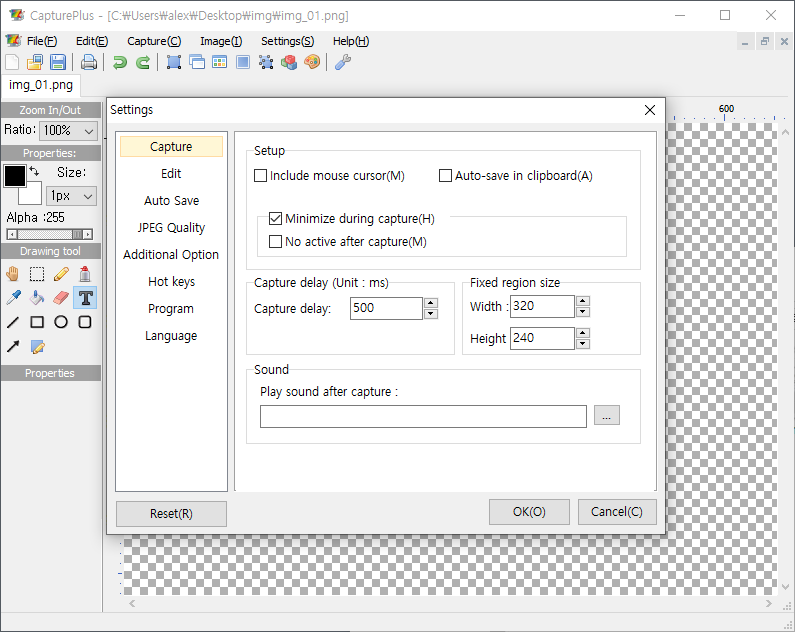
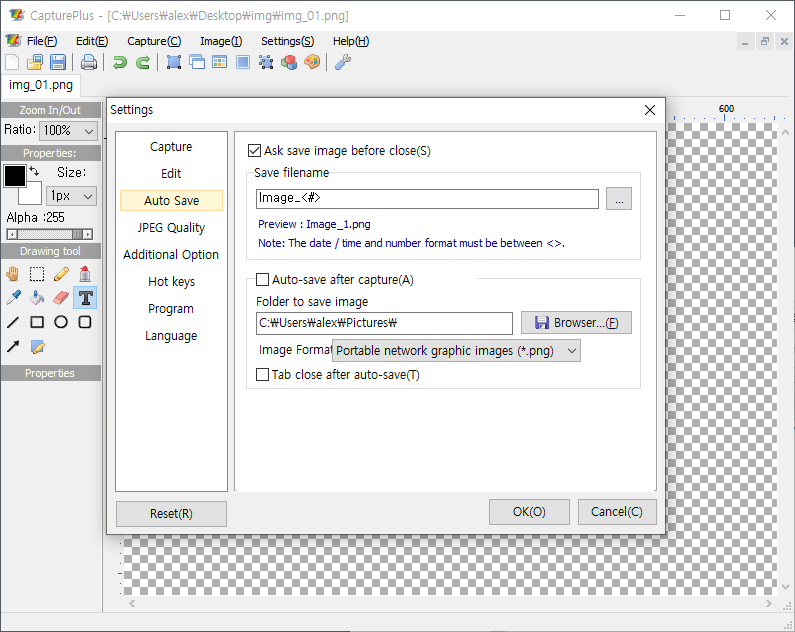
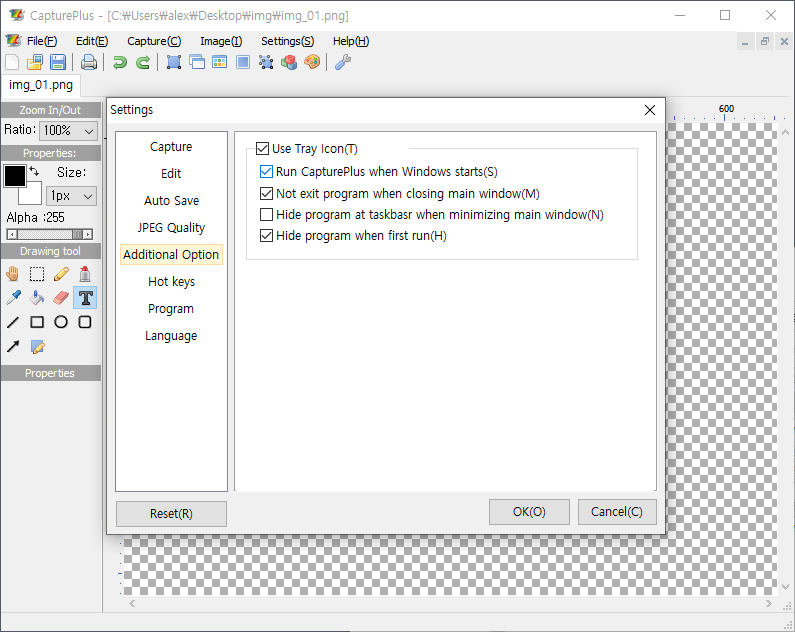
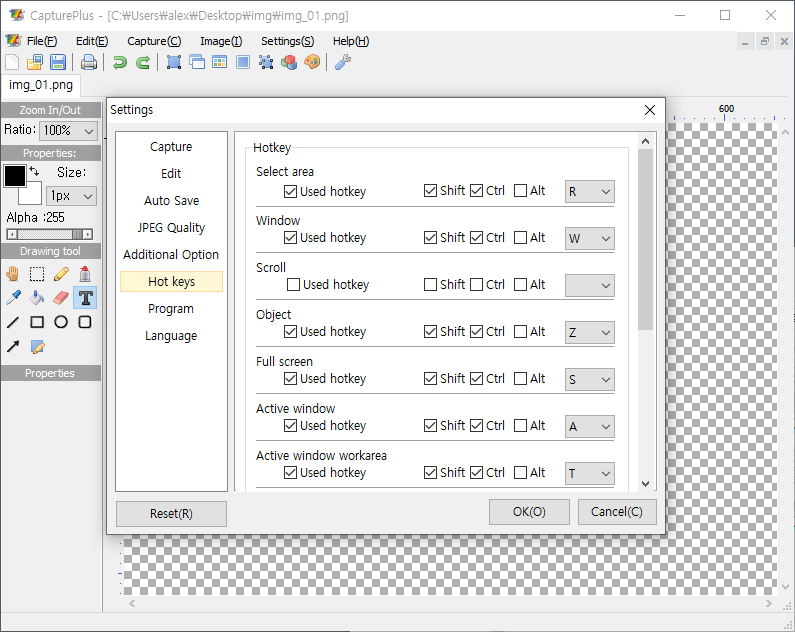
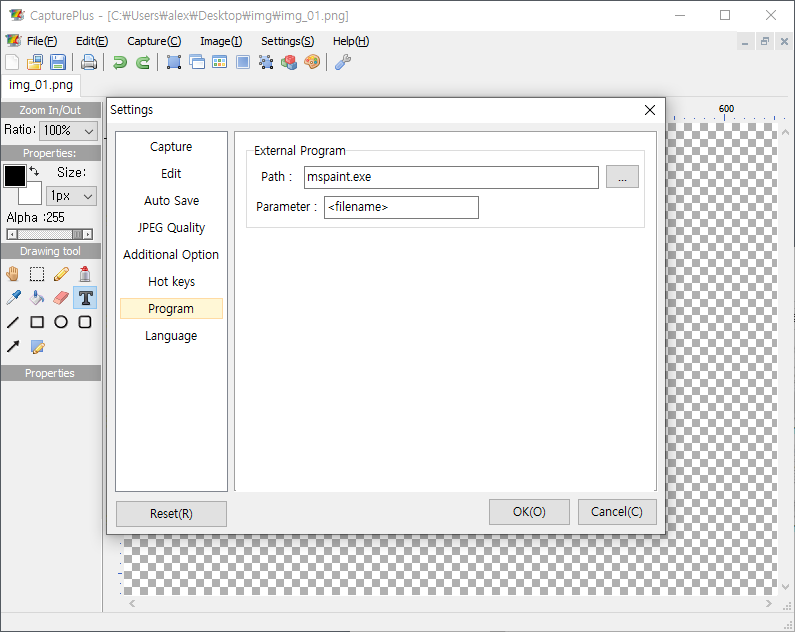
Screenshots of All CapturePlus Features
[Main Menu Screenshots]
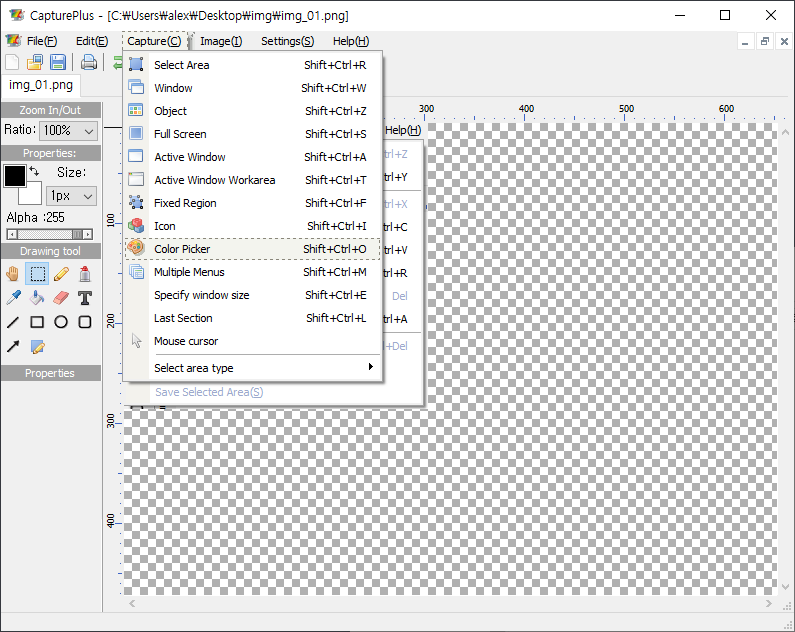
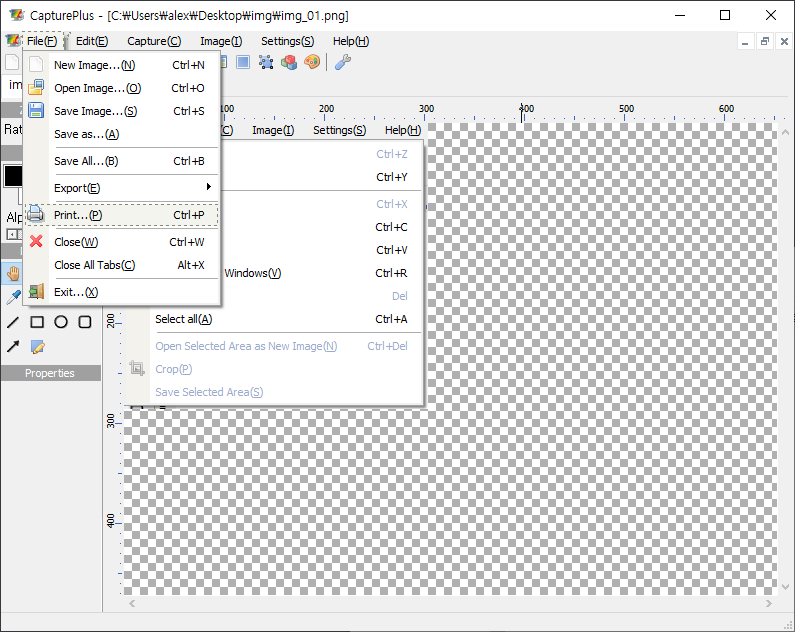
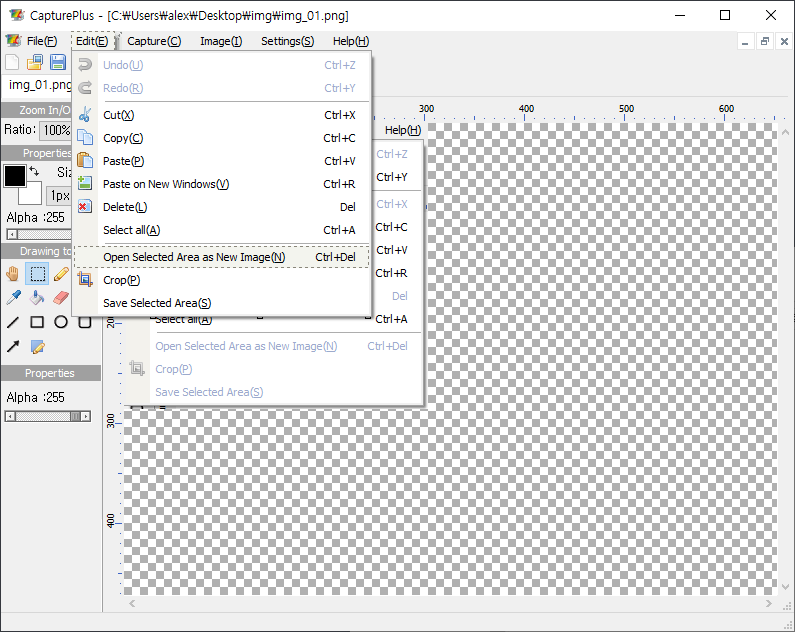
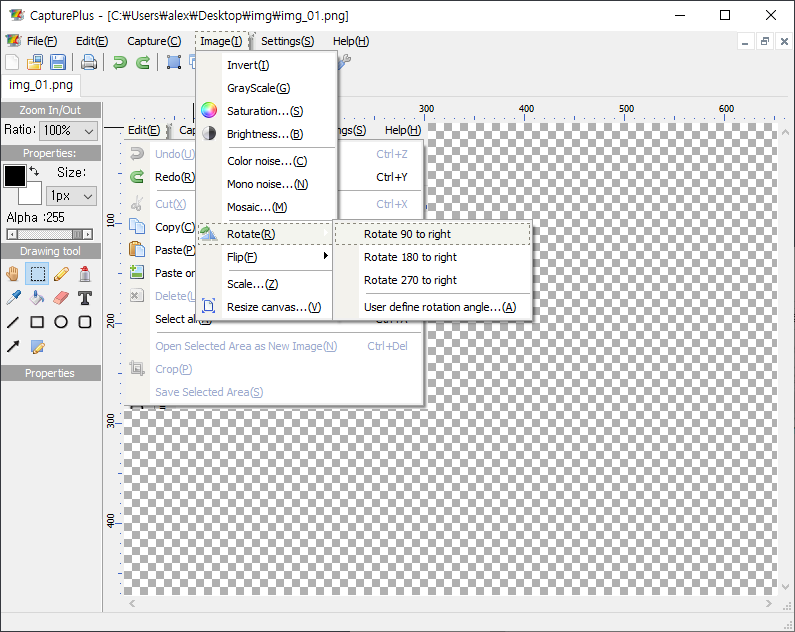
[Screenshots of Various Features]
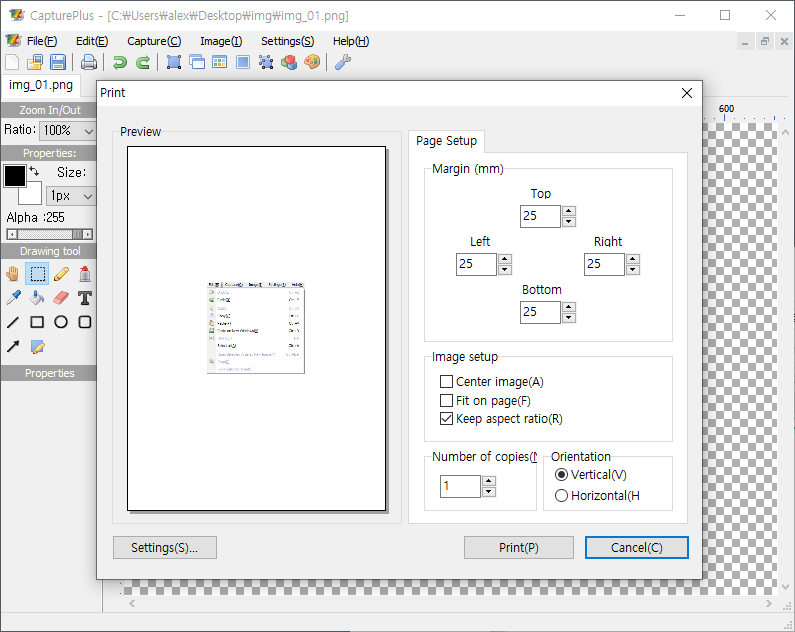
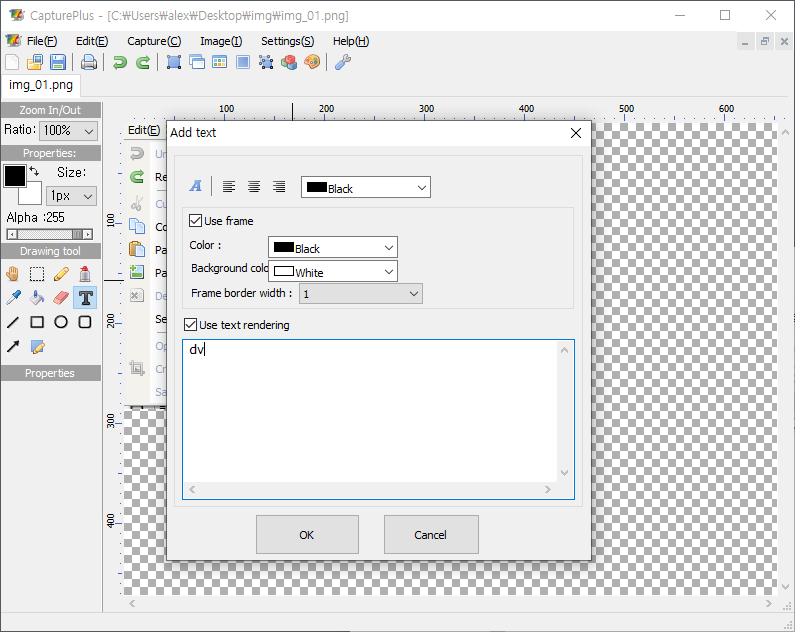
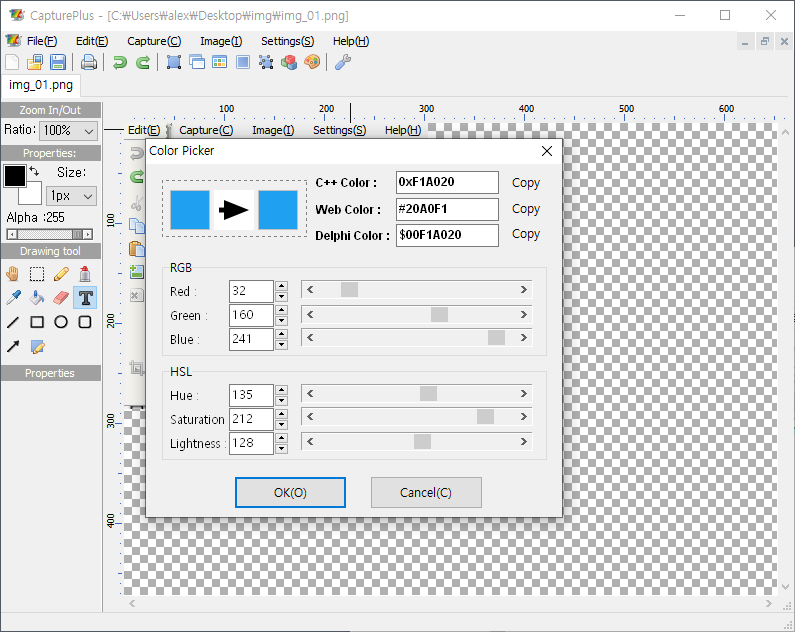
[Preference Screenshots]